Why Are My Google Ads Not Converting? (8 Real Reasons + Fixes)
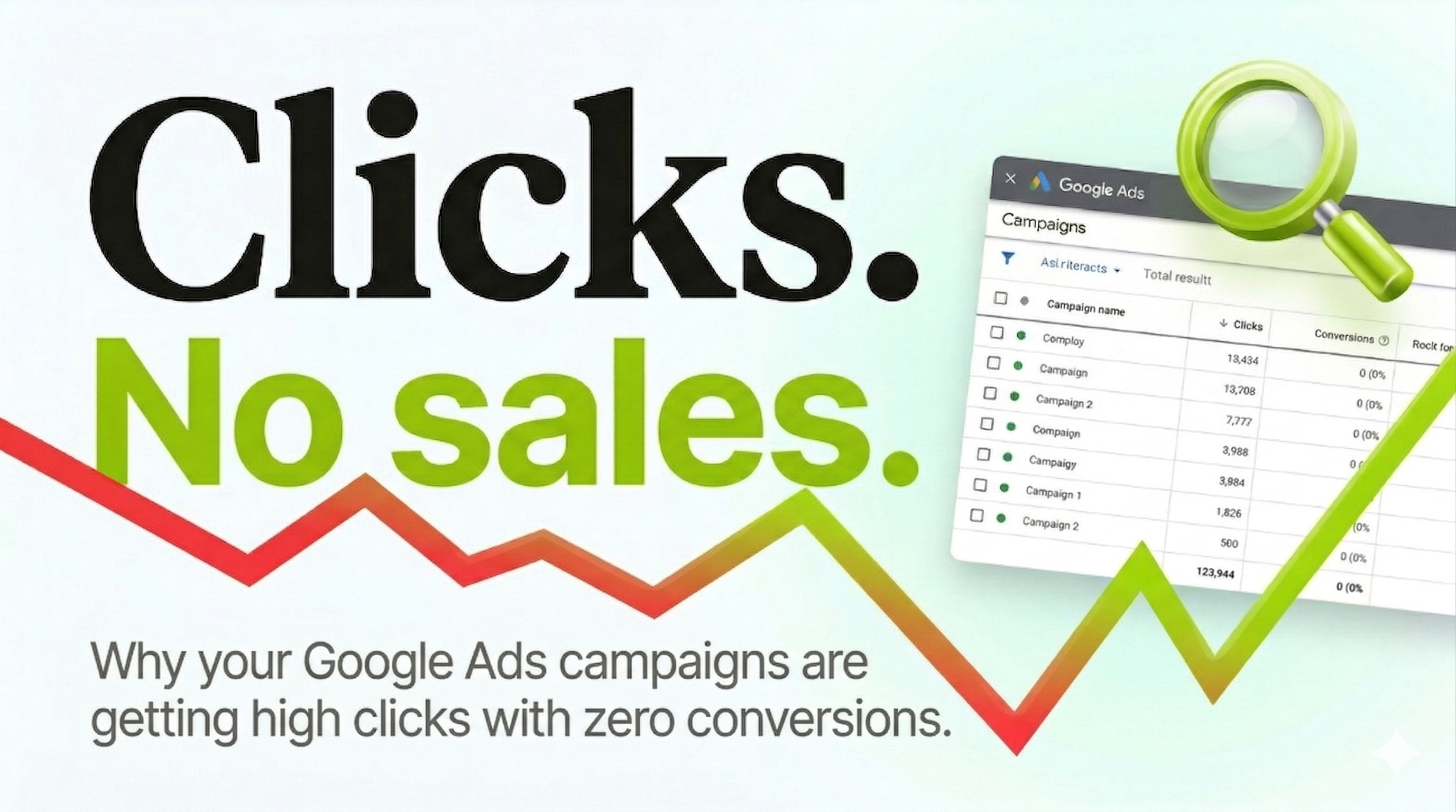
You set up your Google Ads campaigns, your ads are running, people are clicking , but nothing is converting. No purchases. No leads. No calls.
This is one of the most frustrating situations in paid advertising, because you are spending money and getting traffic but seeing zero return. The good news is that Google Ads conversion problems are almost always diagnosable and fixable.
After managing $8M+ in ad spend across Google and Meta, we have seen the same eight problems appear in underperforming Google Ads accounts over and over again. Here is every one of them , and exactly what to do about each.
1. Your conversion tracking is broken or missing
This is the first thing to check , always. If Google Ads is not recording conversions correctly, two things happen. First, you cannot tell which keywords and ads are actually driving results. Second, Google's smart bidding algorithms (like Target CPA and Target ROAS) have no signal to optimise toward, so they spend your budget blindly.
How to check: Go to Tools → Conversions in your Google Ads account. Look at the status of each conversion action. If it says "Inactive" or "No recent conversions," your tracking is not firing.
The fix: Go to your thank you page or purchase confirmation page and use Google Tag Assistant to verify the conversion tag is firing. If it is not, reinstall the conversion tag or check that your Google Tag Manager container is published and the trigger is set correctly.
2. Your keywords are too broad
Broad match keywords in Google Ads will match your ad to searches that are completely unrelated to what you sell. If you are bidding on "marketing" in broad match, your ad might show for "email marketing software," "content marketing jobs," or "marketing degree programs" , none of which are your customer.
How to check: Go to your Search Terms report (Keywords → Search Terms). Look at what people actually typed before clicking your ad. If you see irrelevant searches eating your budget, broad match is the problem.
The fix: Switch your high-spending keywords to Phrase Match or Exact Match. Add the irrelevant terms you find in the Search Terms report as negative keywords immediately. This is the single fastest way to stop wasting money in Google Ads.
3. Your ad copy does not match your landing page
If your ad promises "50% off running shoes" but your landing page shows your full shoe collection at full price, you will lose the visitor the moment they land. The fix: Every ad should lead to a page that immediately delivers exactly what the ad promised. If your ad mentions a specific product, discount, or offer , that exact thing should be the first thing visible on the landing page without scrolling.
4. Your landing page is too slow on mobile
Google's own data shows that 53% of mobile users abandon a page that takes longer than 3 seconds to load. How to check: Go to PageSpeed Insights (pagespeed.web.dev) and type in your landing page URL. Check the mobile score. Anything below 50 is causing significant conversion loss. The fix: Compress images, remove unnecessary apps or scripts, and switch to WebP image format.
5. You are optimising for the wrong conversion event
If your campaign is optimised for "Page Views" or "Session Start" instead of "Purchase" or "Lead Form Submit," Google will send you traffic that views pages but never converts. The fix: Set your primary conversion action to the event that represents a real business outcome. For ecommerce, that is Purchase. For lead generation, that is Form Submit or Phone Call.
6. Your bids are too low to compete
Google Ads runs on an auction. If your maximum CPC bid is too low, your ads are appearing in position 7 or 8 where almost nobody clicks. How to check: Look at your Impression Share and Lost Impression Share (Rank) columns. If you are losing more than 30% of impressions due to rank, your bids are too low. The fix: Increase bids on your highest-converting keywords, or switch to Target CPA once you have 30+ conversions per month.
7. You are sending traffic to your homepage
This is one of the most common mistakes for businesses running Google Ads for the first time. If someone searches "meta ads agency Oshawa" and clicks your ad but lands on a homepage talking about web design and ten other services, they will hit the back button. The fix: Every ad group should link to a specific page. Ads about Meta Ads should go to your Meta Ads service page. Ads about Google Ads should go to your Google Ads service page. Ads targeting Oshawa should go to your Oshawa location page. This single change can double or triple conversion rates.
8. Your offer is not competitive enough
Sometimes the ads, tracking, landing page, and keywords are all fine , but the offer itself is not compelling enough. If every agency is offering a "free consultation" and you are offering a "free consultation," there is no reason for the buyer to choose you. What works: a specific audit with a clear deliverable, a money-back guarantee, or specific proof of results ("Our clients average 5-6x ROAS") that makes the comparison easy.
The bottom line
Work through this checklist in order: verify conversion tracking, check Search Terms for irrelevant traffic, tighten match types, test landing page speed, confirm you are optimising for a real conversion event, check impression share and raise bids if needed, send traffic to specific pages not your homepage, and audit your offer against competitors.
We offer a free Google Ads audit where we go through your account, identify exactly what is wasting your budget, and show you what we would fix. We are a performance marketing agency based in Oshawa, Ontario, managing Google Ads and ecommerce marketing for brands across Toronto, the GTA, and Canada. If you are also running Meta Ads, check out our guide on why Facebook ads stop converting , the problems are different but equally fixable.